Alert Fatigue Is Real: Tuning Notifications So Your Team Actually Responds
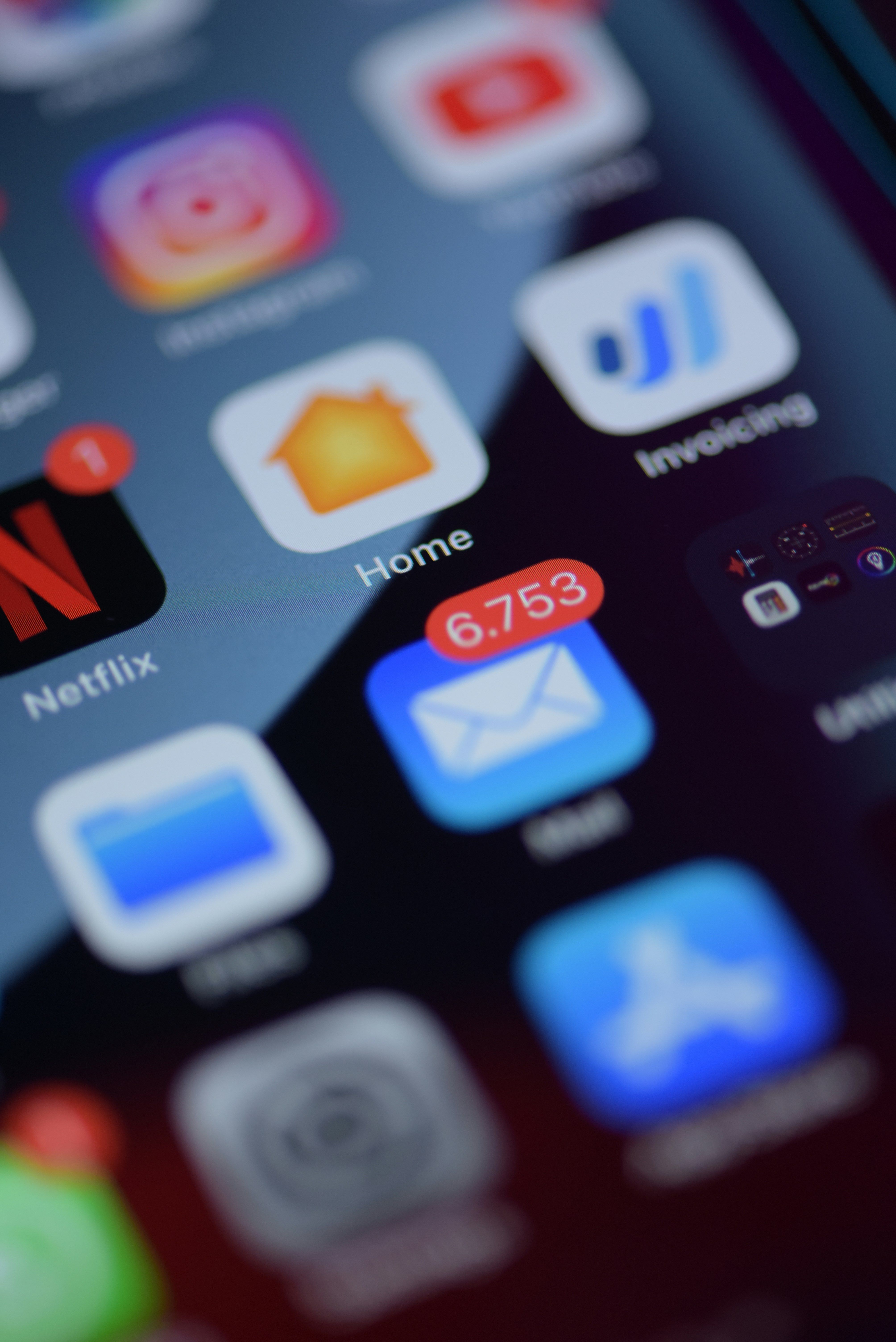
The first time a critical alert fires at 3am, someone gets up and fixes it. The tenth time it fires that week for the same non-issue, someone mutes the channel. That's alert fatigue, and it's one of the most common — and most avoidable — failure modes in monitoring setups. A system that alerts too often doesn't make your team safer; it trains them to stop paying attention, which is worse than having no alerts at all.
How Alert Fatigue Actually Happens
Alert fatigue rarely comes from one bad decision — it accumulates from several reasonable-sounding choices stacking up:
- Thresholds set too sensitively — alerting on a single failed check instead of requiring a pattern
- Too many services on one channel — a low-priority staging alert lands in the same place as a production outage
- No distinction between severities — every notification looks and feels equally urgent
- Alerts that don't self-resolve — no recovery notification, so nobody knows if the issue is still active
None of these individually seems like a big problem. Together, they produce a channel nobody trusts.
The Cost of Ignoring the Wrong Alert
The real damage from alert fatigue isn't the noise itself — it's what happens the one time the noise contains a genuine incident. Once a team has learned that most alerts from a channel are false positives, response time to a real outage slows down significantly, because the instinct becomes "probably nothing" instead of "check now." Tuning your alerts isn't about reducing notification volume for its own sake; it's about protecting the credibility of the ones that matter.
Practical Fixes That Actually Move the Needle
1. Require Consecutive Failures Before Alerting
A single failed check is frequently just network noise — a dropped packet, a momentary DNS hiccup. Requiring two or three consecutive failures before an alert fires filters out the vast majority of false positives without meaningfully slowing down detection of a real outage.
2. Separate Channels by Severity
Route production-critical alerts to a dedicated, high-visibility channel. Send staging, low-priority, or informational alerts somewhere quieter. This one change alone often does more to restore trust in alerts than any threshold tuning.
3. Always Send Recovery Notifications
An alert with no matching "recovered" message leaves your team wondering whether an issue is still live. Recovery notifications close the loop, reduce redundant investigation, and make the whole alert channel feel more trustworthy because it reflects current state, not just the last bad moment.
4. Set Thresholds Per Service, Not Globally
A payment API and an internal admin tool don't warrant the same sensitivity. Applying one global threshold across every service either under-alerts on what matters most or over-alerts on what matters least — tune each service based on how much user impact its downtime actually causes.
5. Review Alert History Regularly
Set a recurring time, even just monthly, to look back through what actually fired. Patterns show up quickly: a service that alerts every Tuesday at the same time probably has a threshold problem, not a reliability problem.
Tuning Alerts With TwoPulse
TwoPulse lets you set consecutive-failure thresholds per service, so a single blip doesn't trigger a notification while a genuine pattern of failures still gets caught quickly. Every alert and its matching recovery are logged in your alert history, which makes the monthly review in the point above a five-minute scan rather than a manual audit. Because email and webhook alerts can be configured independently per service, you can route your most critical endpoints to a dedicated Slack channel while keeping lower-priority services on a quieter, email-only setup.
Knowing When You've Tuned It Right
There's a useful gut check for whether your alerting is well-tuned: if every alert that fires in a given week gets some kind of response — even a quick "checked, it's fine" — the thresholds are probably close to right. If people are dismissing alerts without looking, or complaining about channel noise, that's a signal to revisit thresholds before the next real incident gets lost in the noise.
Frequently Asked Questions
How many consecutive failures should trigger an alert?
Two or three is a common starting point for most services. Fewer than that risks false positives from transient network issues; more than that can meaningfully delay detection of a real outage.
Should every service have the same alert threshold?
No. Set thresholds based on how much user impact an outage on that specific service would cause — critical production services generally warrant more sensitive thresholds than internal or staging tools.
What's the difference between alert fatigue and a genuinely unreliable service?
Alert fatigue is a tuning problem — the alerts are firing more often than the underlying issue justifies. If a service is generating alerts because it's actually failing that often, the fix is fixing the service, not the thresholds.
How often should I review my alert configuration?
A monthly review is a reasonable cadence for most teams — enough to catch drifting thresholds without turning it into a constant chore.
Do recovery notifications need to go to the same channel as the original alert?
Generally yes — sending recovery to the same channel keeps the incident thread coherent and makes it obvious at a glance whether an issue is still open.
Ready to stop drowning in noisy alerts? Get started with TwoPulse and set per-service thresholds in minutes — or log in to review your current alert history.
---